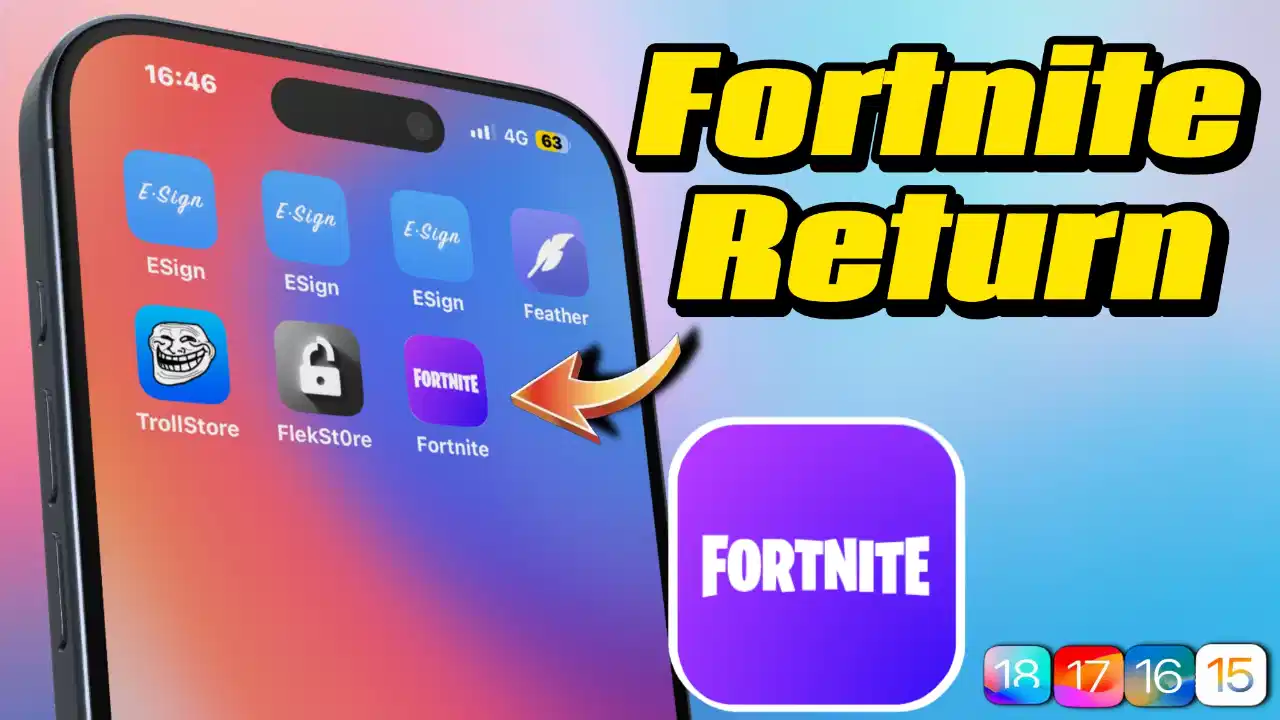
Install Any App on iPhone Without the App Store – GBox Makes It Possible!
Fortnite can be installed directly from the AppStore
Support thks : https://www.paypal.me/haotech….
Learn to install Gbox step by step
madNS dns : click
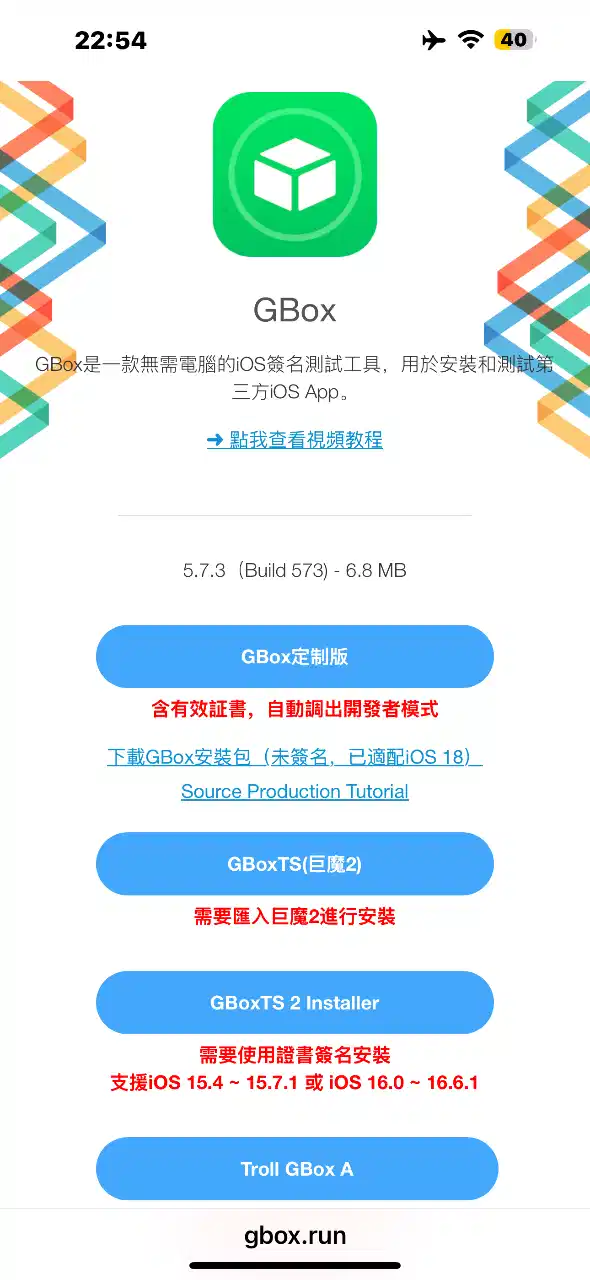
Web : click
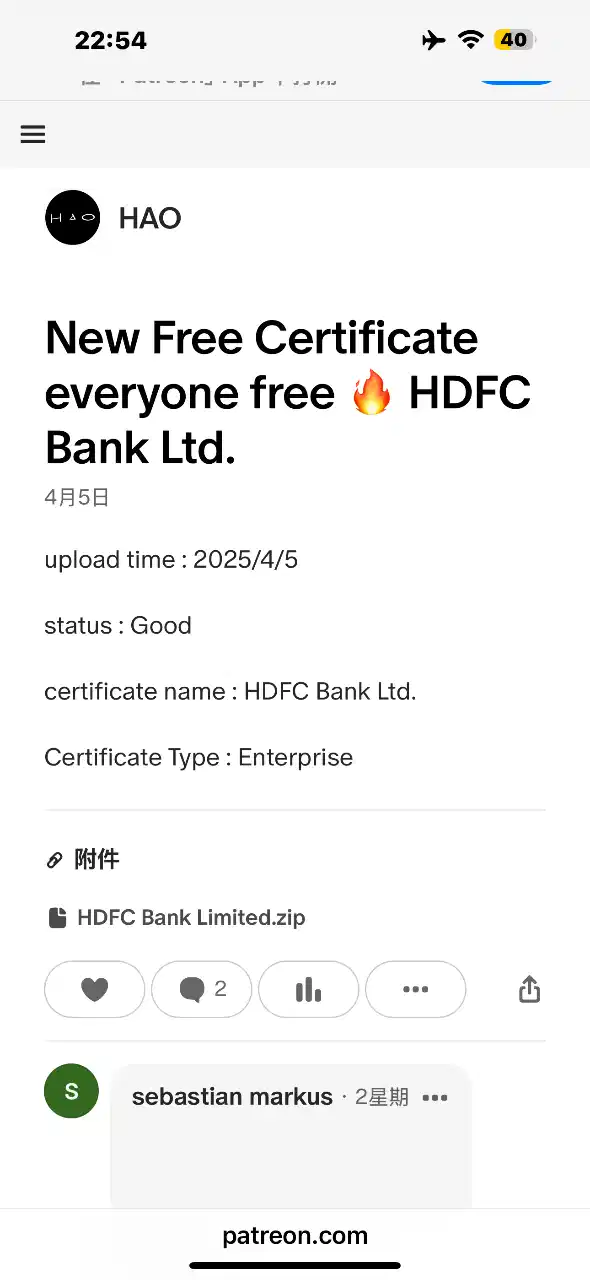
Corporate Certificates : click
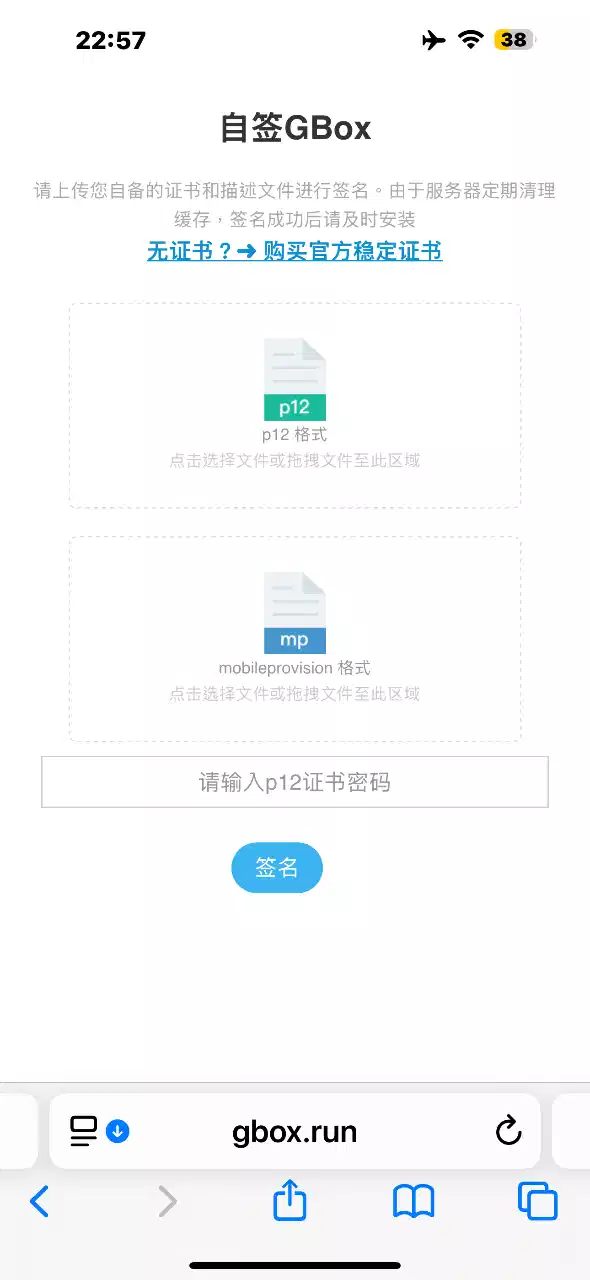
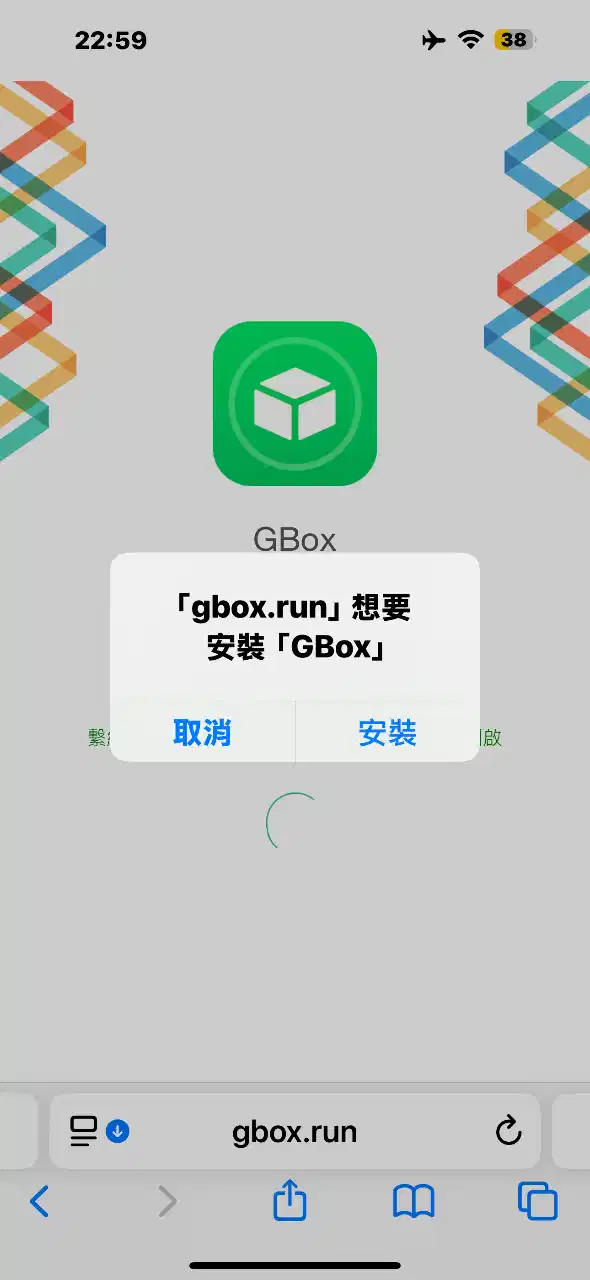
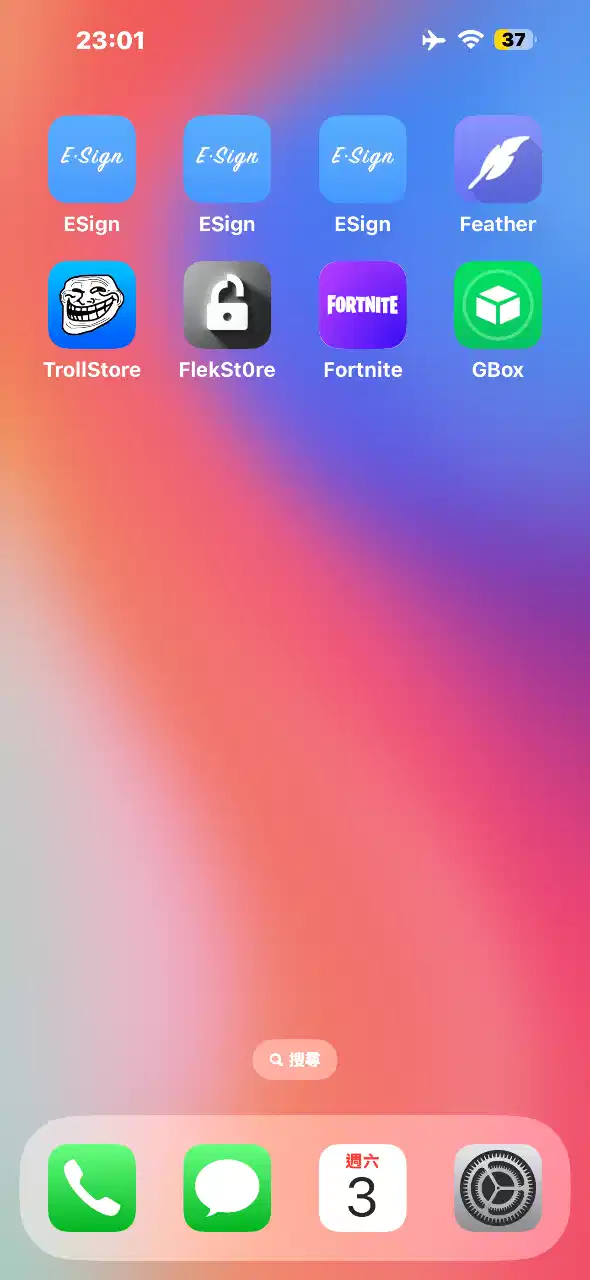
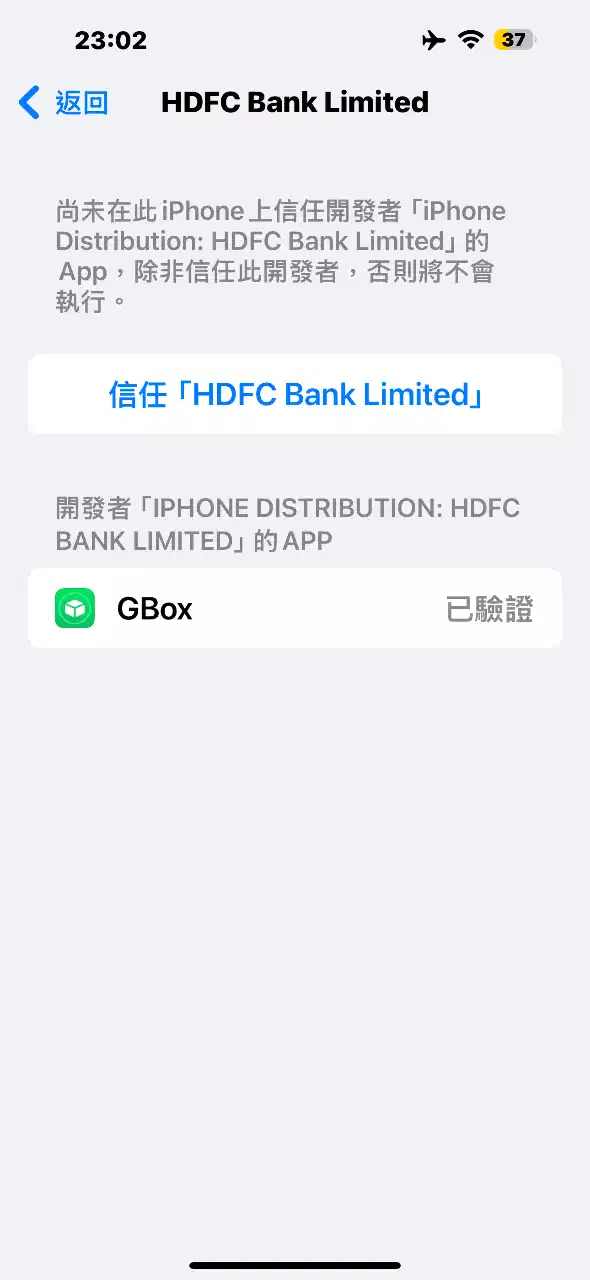

Then you can install as many ipa as you want
Go to the folder below and click the little arrow next to Edit at the top to import the ipa and sign to install it
NEW iPA : click
I’ve noticed that not many people know about this trick. If your phone ends up on a blacklist or gets revoked, there’s a way to clear it without losing any data—as long as your device is running iOS versions between 15 and 18.2 beta2. I’ve tried it out, and honestly, it’s pretty slick.
What I like about it:
- No data loss at all—your info stays safe.
- It’s really fast and you just need to run a few lines of code.
- The process is straightforward if you follow the video guide step by step.
Downsides to keep in mind:
- It only works on some devices (iOS 15 up to iOS 18.2 beta2).
- You’ll need a computer to make it happen.
- A little bit of coding knowledge is necessary, so it might be a bit daunting if you’re not comfortable with that.
Overall, if your device qualifies, this method is a super convenient and quick fix. Just be sure to double-check that your iOS version is within range before giving it a go—and follow the instructions carefully to avoid any hiccups.
If you think my blog is good, give me a sopport, it’s cool, have a nice day!🤗