12 Boutique Apps available for a limited time
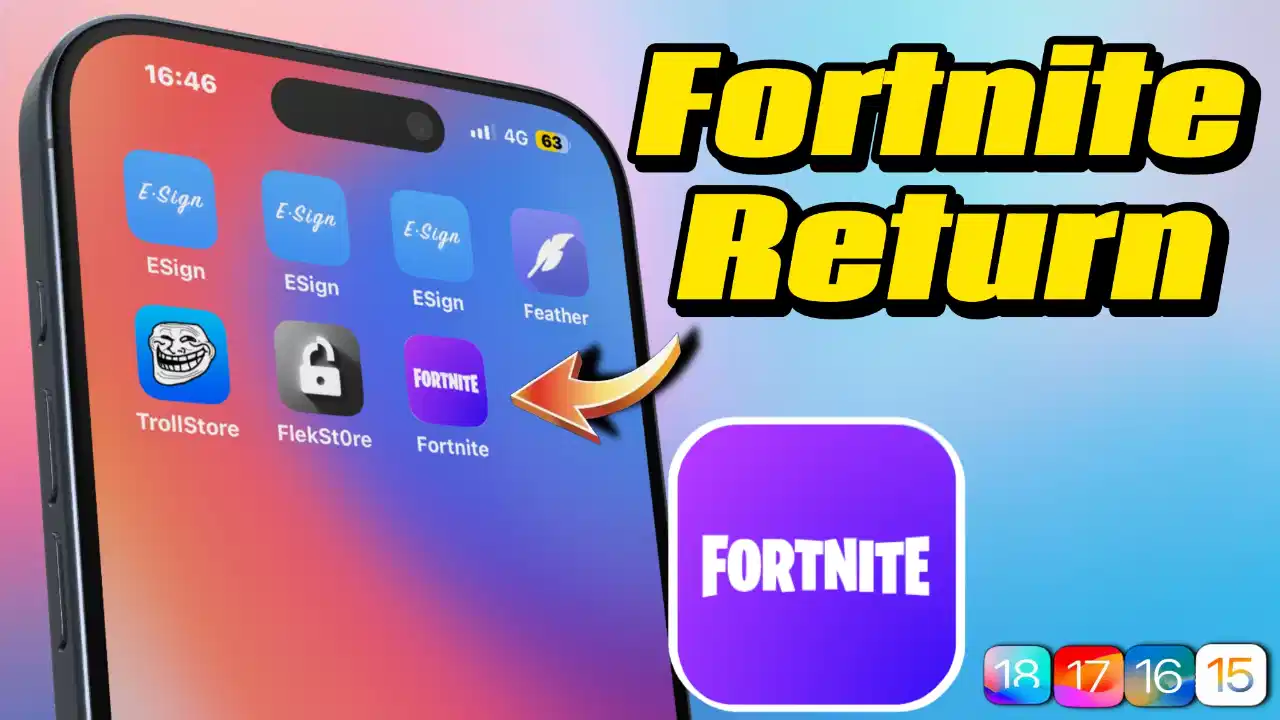
Fortnite can be installed directly from the AppStore
Support thks : https://www.paypal.me/haotech….
Limited Time Free!perpetual use
- A tool for measuring the beat of music for DJs or music lovers.
App : click
- Scan and analyze your skin condition and provide skin care advice.
App : click
- Financial management tool to visualize income and expenses with Sankey charts.
App : click
- Record and track migraine episodes and symptoms.
App : click
- Tactical mapping tool that supports the Military Coordinates (MGRS/UTM) system.
App : click
- Professional tool for communication and diagnostics with Siemens and Rockwell PLCs.
App : click
- Anti-harassment tool for filtering spam SMS.
App : click
- Full-screen flip-style clock for desktop decoration.
App : click
- Helps plan and track the application of intermittent fasting.
App : click
- Widget for quickly creating application icons.
App : click
- A camera app that automatically adds GPS location information when you take a picture.
App : click
- Helps to learn fraction calculation visually, suitable for students.
App : click
NEW iPA : click
I’ve noticed that not many people know about this trick. If your phone ends up on a blacklist or gets revoked, there’s a way to clear it without losing any data—as long as your device is running iOS versions between 15 and 18.2 beta2. I’ve tried it out, and honestly, it’s pretty slick.
What I like about it:
- No data loss at all—your info stays safe.
- It’s really fast and you just need to run a few lines of code.
- The process is straightforward if you follow the video guide step by step.
Downsides to keep in mind:
- It only works on some devices (iOS 15 up to iOS 18.2 beta2).
- You’ll need a computer to make it happen.
- A little bit of coding knowledge is necessary, so it might be a bit daunting if you’re not comfortable with that.
Overall, if your device qualifies, this method is a super convenient and quick fix. Just be sure to double-check that your iOS version is within range before giving it a go—and follow the instructions carefully to avoid any hiccups.
我发现知道这个小窍门的人并不多。 如果你的手机被列入黑名单或被撤销,只要你的设备运行的 iOS 版本在 15 到 18.2 beta2 之间,就有办法在不丢失任何数据的情况下清除黑名单。 我已经试过了,老实说,它非常实用。
我喜欢它的地方
- 数据完全不会丢失–你的信息安全无虞。
- 速度非常快,只需运行几行代码即可。
- 如果你按照视频指南一步步操作,过程也很简单。
需要注意的缺点
- 它仅适用于部分设备(iOS 15 至 iOS 18.2 beta2)。
- 你需要一台电脑来实现它。
- 需要一点编码知识,如果你不太擅长,可能会有点畏难。
总的来说,如果你的设备符合条件,这个方法是一个超级方便快捷的修复方法。 在尝试之前,请务必仔细检查你的 iOS 版本是否在范围之内,并认真按照说明操作,以避免出现任何问题。