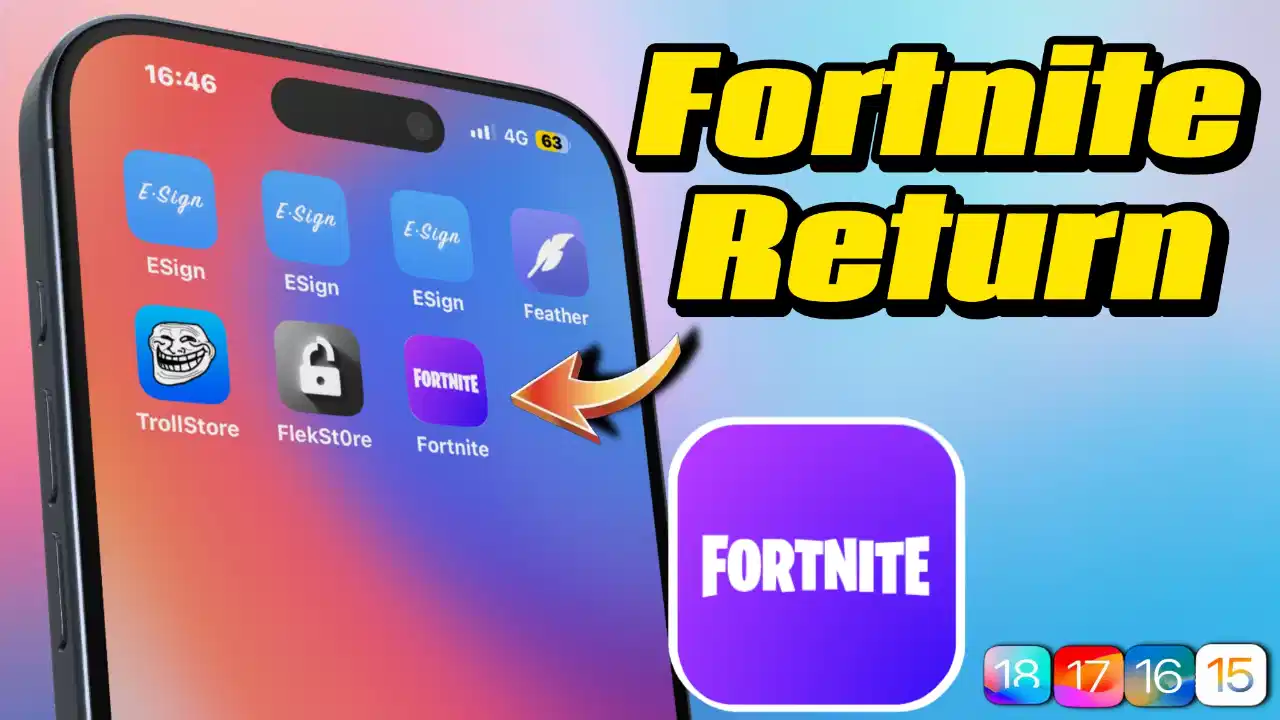
🔥 Fortnite 重磅回歸 iOS!睽違 5 年正式登陸 App Store! | Fortnite Returns to iOS! After 5 years, we officially launched on the App Store!
Support thks : https://www.paypal.me/haotech….
Fortnite
這款遊戲由 Epic Games 開發,於 2025 年 5 月 20 日重新上架,結束了近五年的下架狀態 。
《Fortnite》原本於 2020 年被 Apple 下架,原因是 Epic Games 在遊戲中引入了自家支付系統,繞過了 Apple 的 30% 抽成政策,違反了 App Store 的規定。這引發了一場長達數年的法律訴訟。直到 2025 年 4 月,美國法院裁定 Apple 違反了先前的禁令,必須允許更多的應用商店競爭,並對其進行刑事藐視調查 。在法院的壓力下,Apple 最終批准了《Fortnite》重新上架。
這款 iOS 版本的《Fortnite》包含多種遊戲模式:
- Battle Royale:經典的大逃殺模式。
- Zero Build:無建築對戰模式。
- Reload:快節奏的團隊復活模式。
- LEGO® Fortnite:與 LEGO 合作的創意建造冒險。
- Fortnite Festival:音樂節主題活動。
此外,玩家還可以與朋友一起遊玩數千個由創作者製作的免費地圖,例如模擬經營、障礙跑、殭屍生存等 。
- 地區限制:目前此連結僅適用於美國地區的 App Store。若您位於台灣或其他地區,可能會看到「此 App 在您所在的國家或地區不可用」的提示。(想要提前使用,註冊一個美區帳號就可以實現)
- 系統需求:需要 iOS 17.4 或 iPadOS 17.4 以上版本。
- 應用大小:初始下載約為 575.6 MB,啟動後會進一步下載完整內容。
- 應用內購:提供 V-Bucks(虛擬貨幣)購買選項,以及其他付費內容。
這個連結代表《Fortnite》在經歷多年法律糾紛後,重新回到 iOS 平台。對於美國的玩家來說,這是一次重大的回歸;對於其他地區的玩家,則需等待進一步的上架消息。若您希望在台灣地區遊玩,建議關注 Epic Games 的官方公告或考慮其他可用平台。
This game, developed by Epic Games, was relaunched on May 20, 2025, marking the end of nearly five years of removal.
Fortnite was originally removed from Apple’s shelves in 2020 due to Epic Games introducing its own payment system in the game, which bypassed Apple’s 30% commission policy and violated App Store rules. This sparked a legal battle that lasted for several years. Until April 2025, U.S. courts ruled that Apple had violated a previous ban by allowing more app stores to compete and subjecting them to criminal contempt investigations. Under court pressure, Apple ultimately approved the re-release of Fortnite.
This iOS version of Fortnite includes multiple game modes:
- Battle Royale: Classic Battle Royale mode.
- Zero Build: No Building Battle Mode.
- Reload: Fast-paced team revival mode.
- LEGO® Fortnite: A Creative Construction Adventure in Collaboration with LEGO.
- Fortnite Festival: Music Festival Theme Event.
Moreover, players can also explore thousands of free maps created by creators with friends, such as simulations, obstacle runs, and zombie survival.
- Region Restriction: This link is currently only available on the App Store in the United States. If you are in Taiwan or another region, you may see a message saying “This app is unavailable in your country or region.” To use it early, register a US region account to achieve this.
- System requirements: iOS 17.4 or iPadOS 17.4 or later versions are needed.
- Application size: The initial download is approximately 575.6 MB, and the full content will be further downloaded upon startup.
- In-app Purchase: Offers options for V-Bucks (virtual currency) purchases, as well as other paid content.
This link represents Fortnite’s return to the iOS platform after years of legal disputes. For players in the United States, this is a significant return; for players in other regions, further release updates will be pending. If you wish to visit Taiwan, it is recommended to follow Epic Games’ official announcements or consider other available platforms.
Direct Links
IF want Support Me :
NEW iPA :
I’ve noticed that not many people know about this trick. If your phone ends up on a blacklist or gets revoked, there’s a way to clear it without losing any data—as long as your device is running iOS versions between 15 and 18.2 beta2. I’ve tried it out, and honestly, it’s pretty slick.
What I like about it:
- No data loss at all—your info stays safe.
- It’s really fast and you just need to run a few lines of code.
- The process is straightforward if you follow the video guide step by step.
Downsides to keep in mind:
- It only works on some devices (iOS 15 up to iOS 18.2 beta2).
- You’ll need a computer to make it happen.
- A little bit of coding knowledge is necessary, so it might be a bit daunting if you’re not comfortable with that.
Overall, if your device qualifies, this method is a super convenient and quick fix. Just be sure to double-check that your iOS version is within range before giving it a go—and follow the instructions carefully to avoid any hiccups.
我发现知道这个小窍门的人并不多。 如果你的手机被列入黑名单或被撤销,只要你的设备运行的 iOS 版本在 15 到 18.2 beta2 之间,就有办法在不丢失任何数据的情况下清除黑名单。 我已经试过了,老实说,它非常实用。
我喜欢它的地方
- 数据完全不会丢失–你的信息安全无虞。
- 速度非常快,只需运行几行代码即可。
- 如果你按照视频指南一步步操作,过程也很简单。
需要注意的缺点
- 它仅适用于部分设备(iOS 15 至 iOS 18.2 beta2)。
- 你需要一台电脑来实现它。
- 需要一点编码知识,如果你不太擅长,可能会有点畏难。
总的来说,如果你的设备符合条件,这个方法是一个超级方便快捷的修复方法。 在尝试之前,请务必仔细检查你的 iOS 版本是否在范围之内,并认真按照说明操作,以避免出现任何问题。
Fortnite ios AppStore :
If you think my blog is good, give me a sopport, it’s cool, have a nice day!🤗